
Data return
Data submission to the Labor Rights Division

Data submission to the Department of Labor Rights
Efling's Labor Law Department assists members with resolving workplace disputes, interpreting Efling's collective bargaining agreements, and collecting wage claims, including those arising from bankrupt companies. Data sharing is an essential part of assisting members with their tasks.
We encourage members to submit data in accordance with the instructions below.
Employment rights - Data sharing
Thank you for sending us a message. We will contact you as soon as possible.
An error has occurred, please try again.
1. Power of attorney and informed consent
- By signing, the member agrees that Efling will receive personal information about him or her, which may include general and sensitive personal information, process the data and information, share the data with third parties, store the data electronically and in traditional ways in the union's filing system, process the data as necessary and delete it after use.
- The member confirms that his information on my pages is correct and up-to-date.
- A member authorizes Eflinga to retrieve data about him from a third party if necessary to work on the member's case.
- You can download the document below.
2. Information sheet
- It is important to fill out this document to speed up the processing of your case. You can download the document below.
3. Employment contract
- If there is no employment contract, this must be stated in the email.
4. Payslips – Last 6 months
- Payslips can be obtained from your employer or electronically through online banking.
- If no payslips are available, this must be stated in the email.
5. Bank Statement – Payments from Employer
You can access a bank statement of salary payments from your employer at your bank.
Arion Bank
Islandsbanki
Landsbankinn
Bank statement instructions – Arion Banki
Members doing business with Arion Bank can access bank statements of salary payments through
online banking.
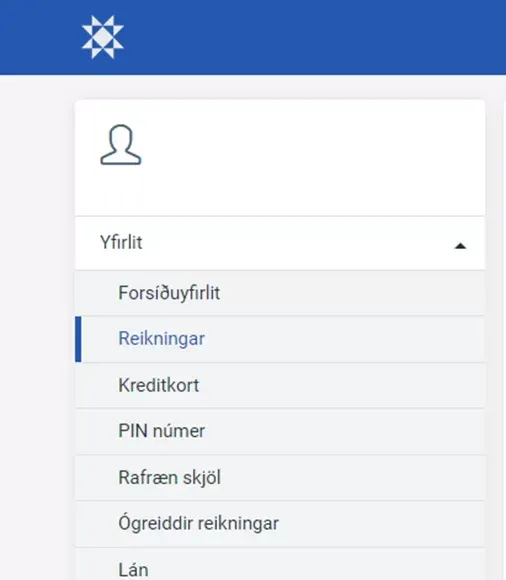
After logging in – under Overview, select Accounts
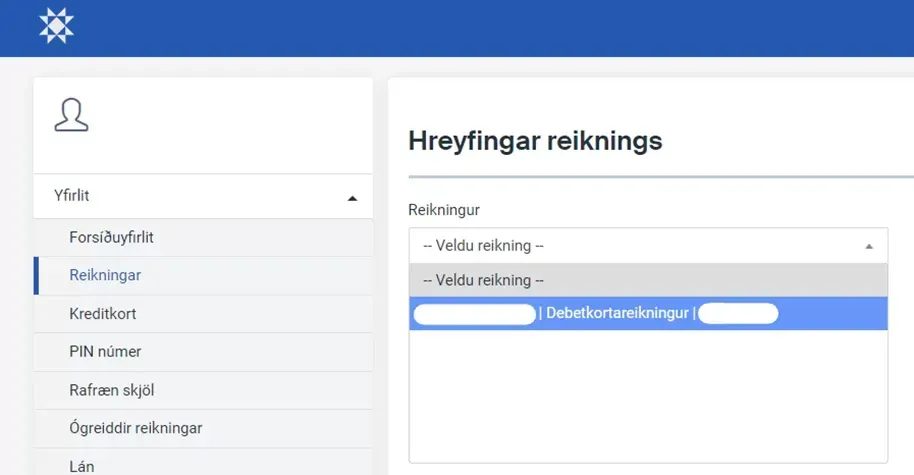
Then select the correct bank account
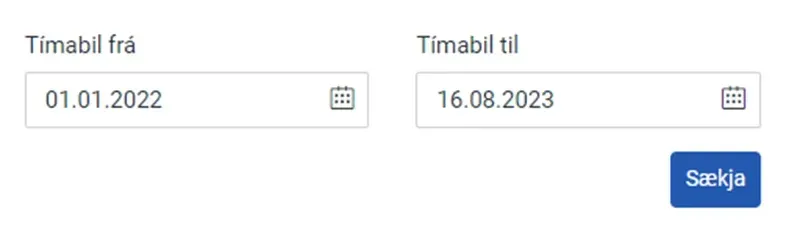
Next, you select a period
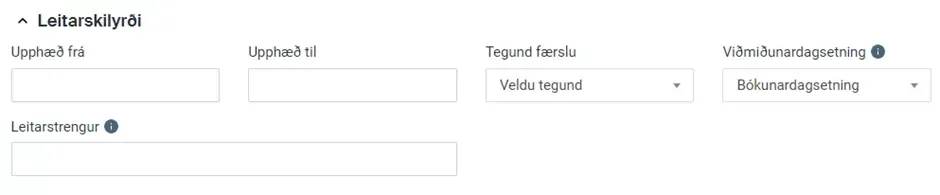
Select Search criteria – and type the employer's name in the Search string field
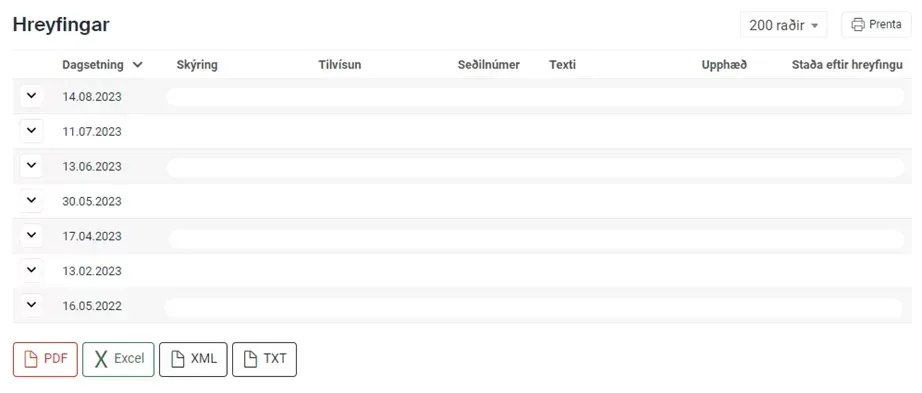
Now you can see an overview of all posts
To save the document as a PDF, press the red PDF button at the bottom left
Bank statement instructions – Íslandsbanki
A bank statement of payments from a specific payer can be obtained through
Íslandsbanki's online banking .
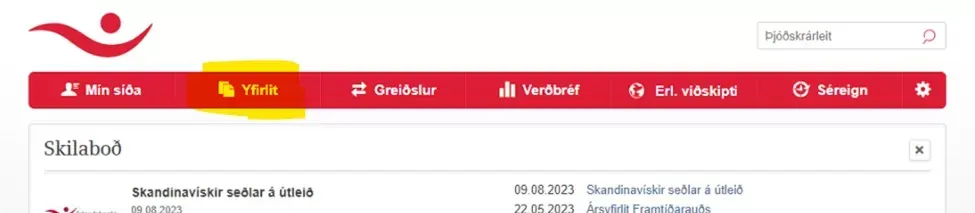
After logging in, select Overview
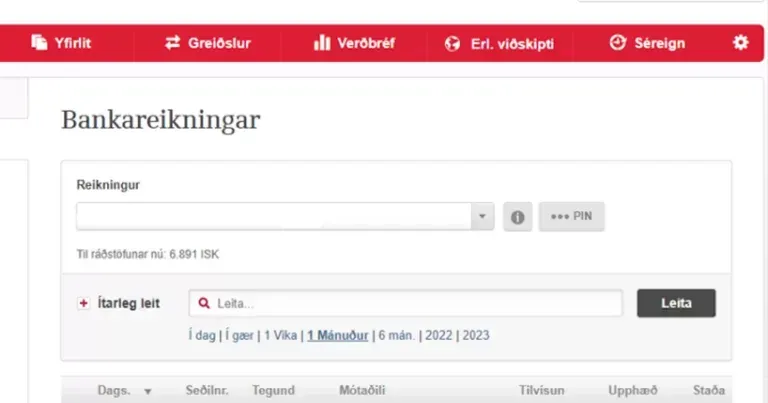
Next, you select the correct bank account and then type the name of the payer in the search box
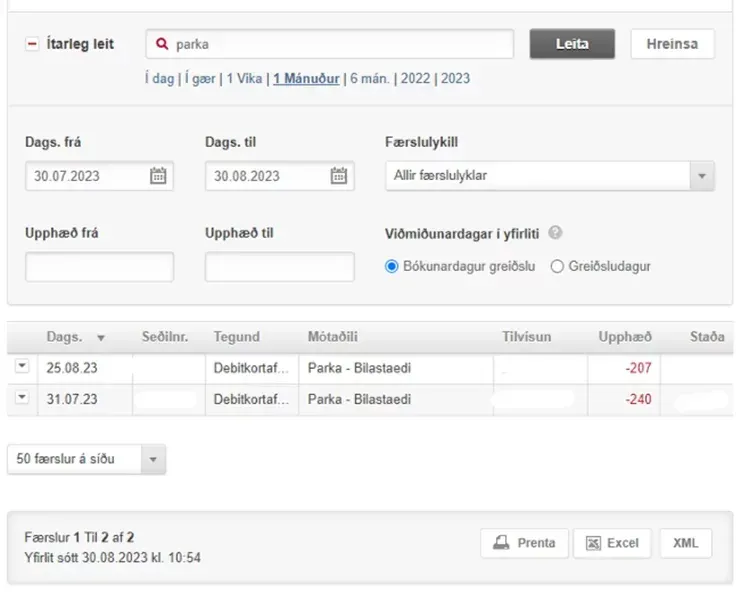
To enter a time period, press + Advanced search

To save the document as a PDF, you must first press Print
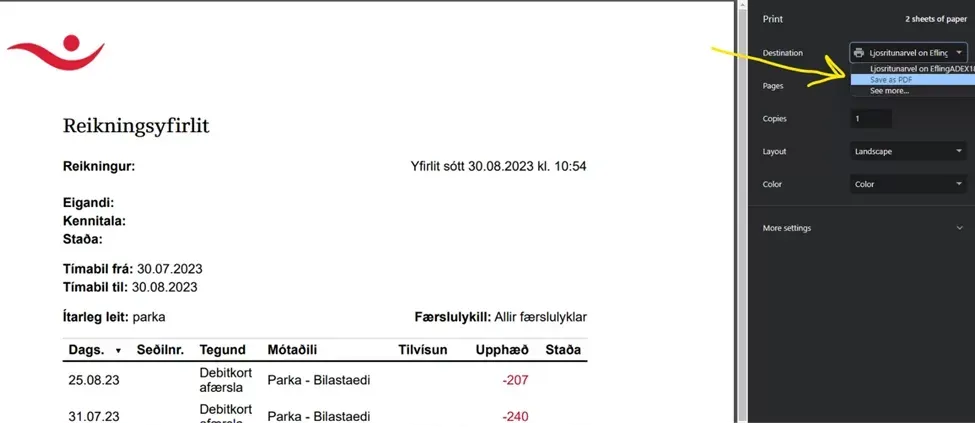
and when the document opens, change the Destination to Save as PDF
Bank statement instructions – Landsbankinn
Employees doing business with Landsbankinn can access bank statements of salary payments through
online banking .
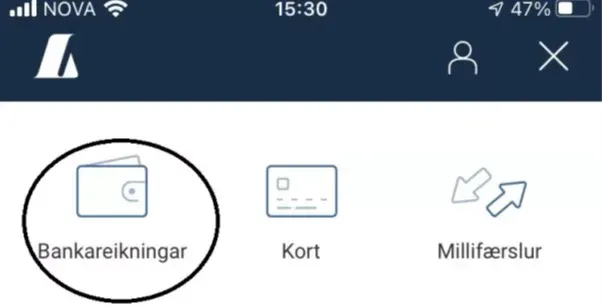
Once the online banking/app has been opened, the appropriate bank account is selected.
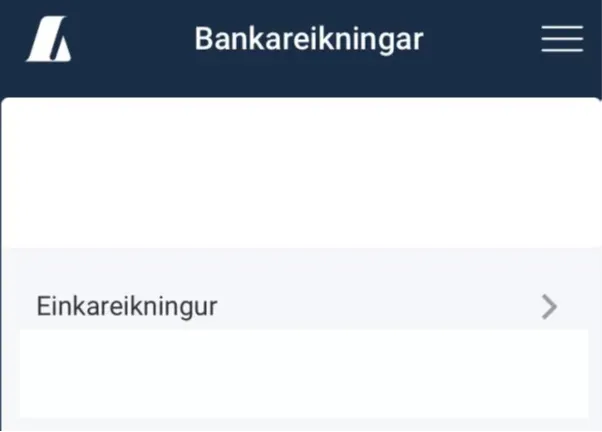
An employer is selected.
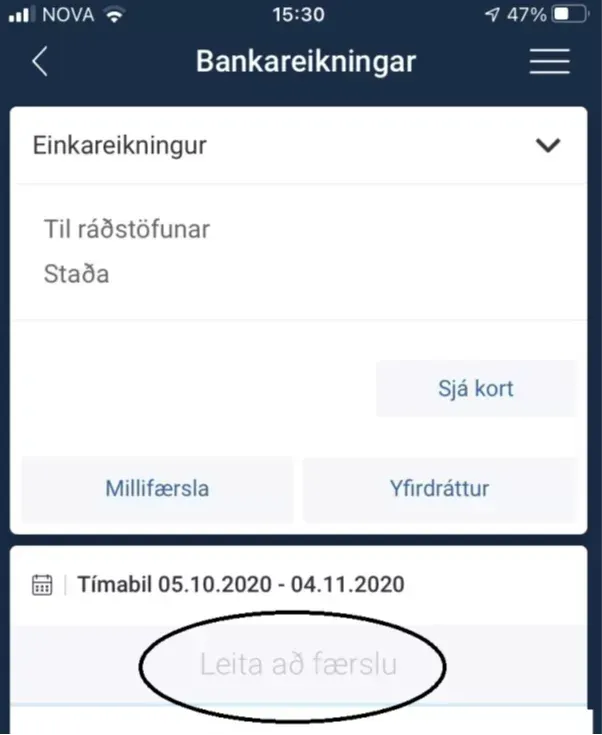
The appropriate period is selected.
6. RSK withholding tax register
The RSK withholding tax register can be accessed via the service website www.rsk.is
Employees doing business with Landsbankinn can access bank statements of salary payments through
online banking .
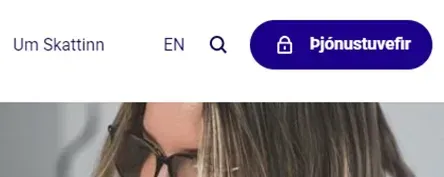
Start by logging in to the service website with your electronic ID by
selecting Service websites.
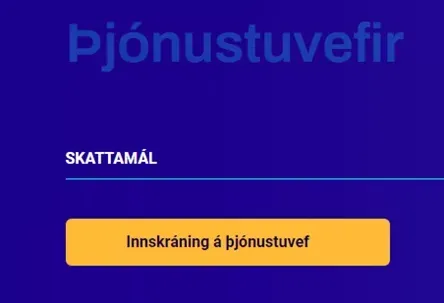
Next, select Login to the service website
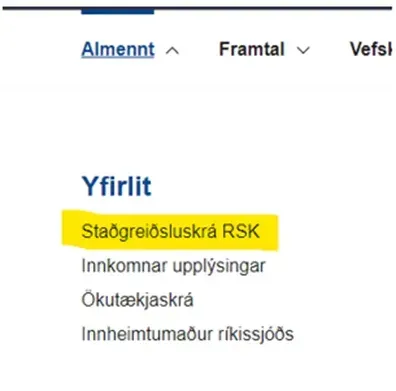
Under General, select Withholding tax register RSK
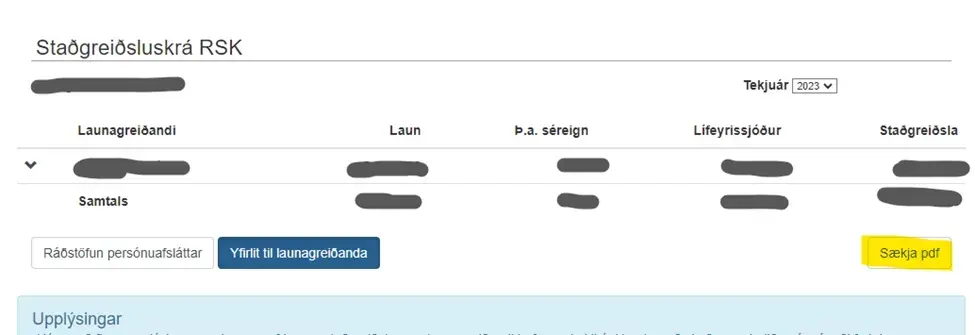
Then download the document as a PDF by clicking Download PDF
7. Time registrations
- Records of all hours worked by the employer. Example: Saturday, February 10: 8:00 AM – 4:00 PM
- If your employer records time through Tímon , it is best to go to your user account there and download the time report as an Excel
file.
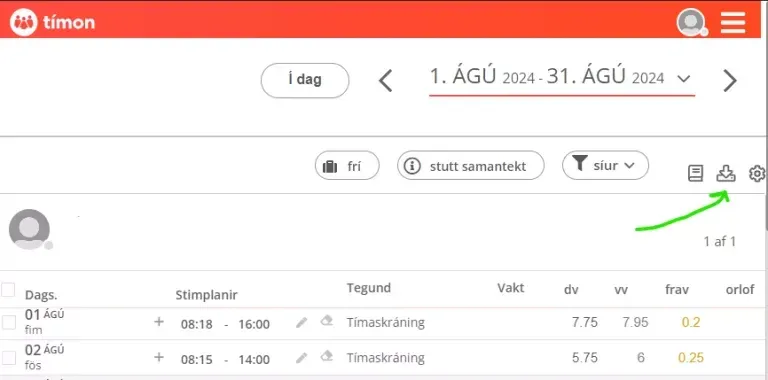
- If time registrations are not taking place in Tímon, we recommend filling out this Excel document below with the time registrations, to speed up the processing of the case.
8. Communication with the employer
- It is a good idea to compile all written communications with your employer, arrange them in chronological order, and save them in one document.
- eg Screenshot of electronic communication.
9. Resignation letter
- Termination must always be in writing (letter, email or social media).
- If there is no letter of resignation, it must be stated.
10. Certificate from a doctor
- Only applies in the case of illness, work accident or occupational disease.
11. Confirmation from Icelandic Health Insurance
- Only applies if it is
an accident at work . Confirmation from the Icelandic Health Insurance Company that the accident has been reported must be submitted. More information can be found here .